any chance you’re available to hop on a video call in the next couple hours? Can’t seem to get it to work with my previous “fixes.”
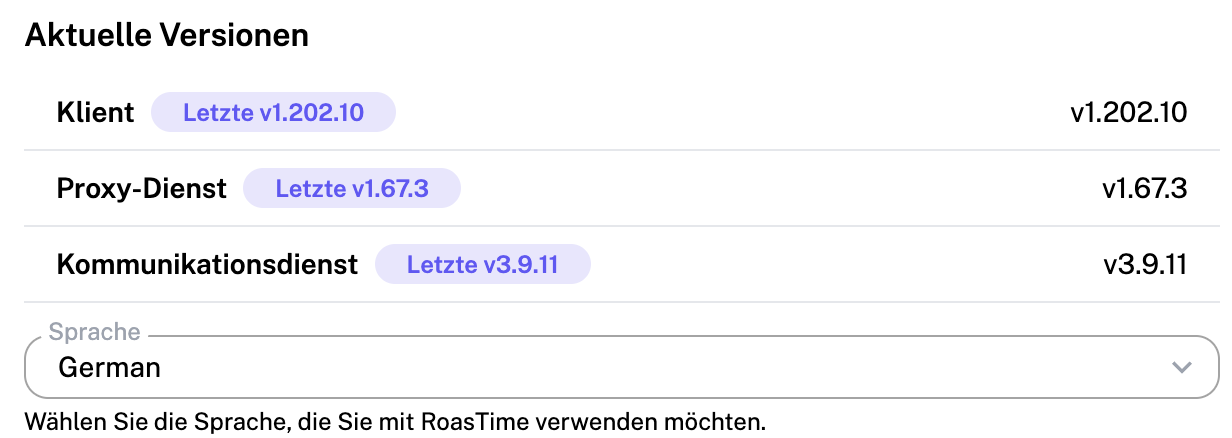
FYI, I have updated RoastTime.
any chance you’re available to hop on a video call in the next couple hours? Can’t seem to get it to work with my previous “fixes.”
FYI, I have updated RoastTime.
Hey, yes - I could jump on now? Can you jump on the slack at https://join.slack.com/t/roastime/shared_invite/zt-h7qicu0g-E_u1DsYGRmLXEQ0czoLweg and message me?
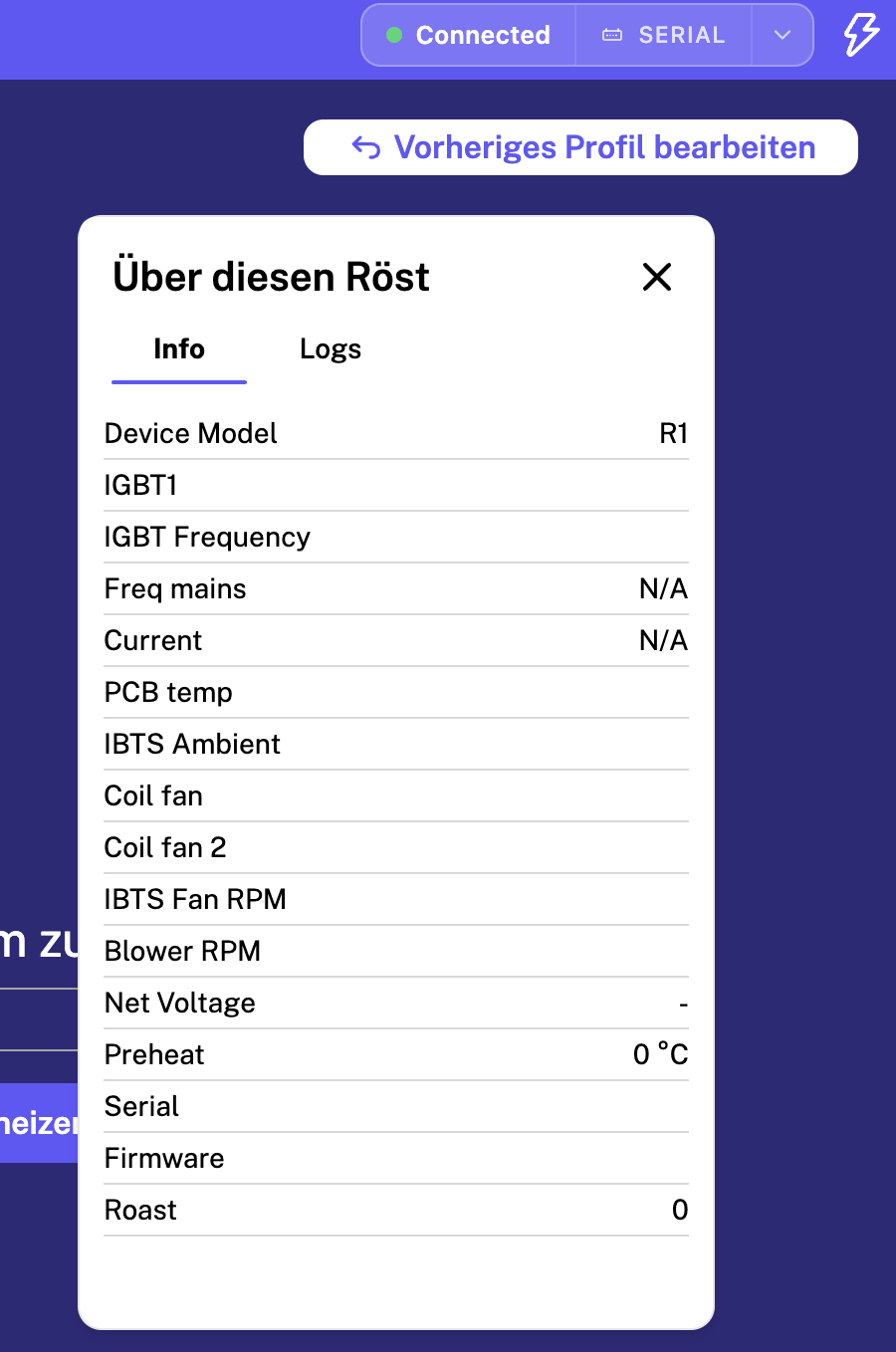
I think I have the same problem. The “Aillio LTD-Bullet R1 ROASTER FS” is connected, and ROASTIME also displays “connected - serial,” but no data is being displayed from the Bullet.
The software only allows me to change the Bullet’s operating mode, just as if I were pressing the PRS button.
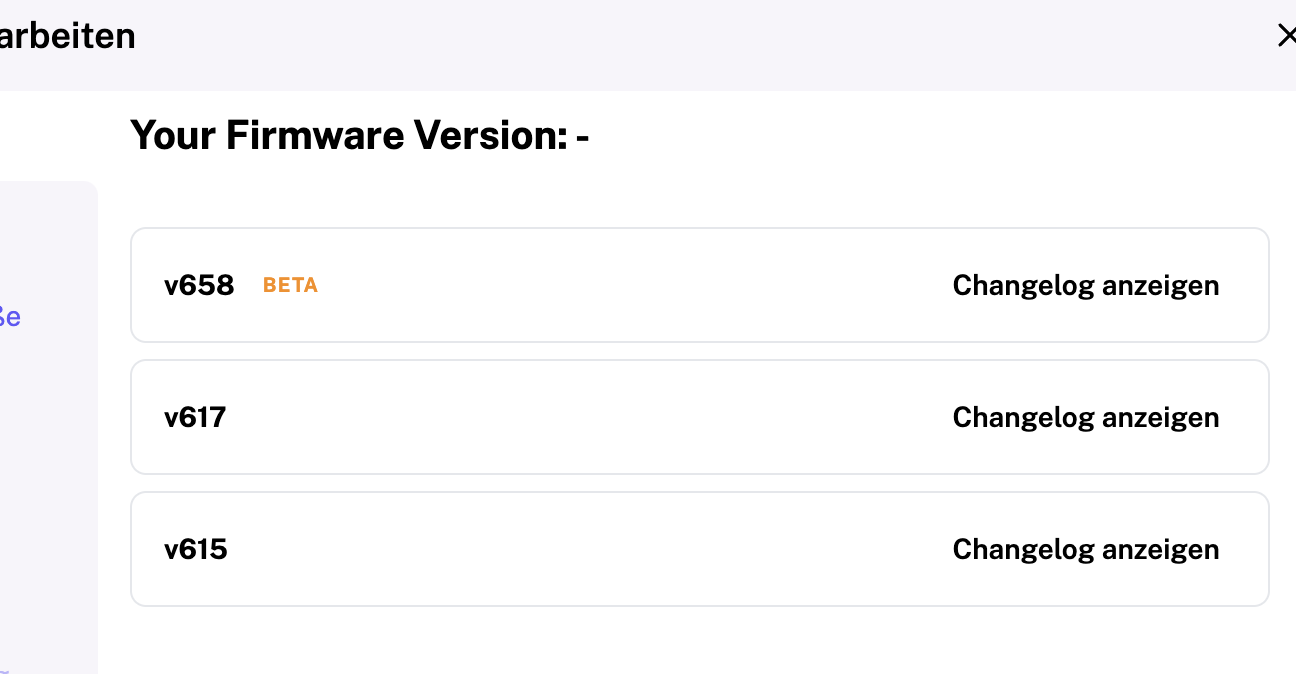
P.S.: I was able to update the firmware to 617 using Roastime, but the currently installed version isn’t displayed. Should I switch to 658beta?
The problem is the same on various laptops. I have a connection, the Bullet is recognized, and Roastime displays “connected - serial.” But no temperature data or similar information is being transmitted.
Should I install the beta firmware? However, the program warns me that I won’t be able to revert to version 617 afterward.
PS:
It’s really incredibly frustrating. The connection with the M4 computer was unstable from the start, and I had to fall back on my old computers, which I couldn’t sell because of that.
Now I can’t control the roaster with any of my computers anymore. It’s great to gain experience operating it manually, but I’d prefer to do that by choice.
PS2:
It’s probably because of RoasTime.
On macOS (M4), RoasTime 4.14.3 detects the roaster and displays “connected - serial.” But no data is being transmitted—not the installed firmware version, not any temperatures, or anything else.
Support asked me to install the older RoasTime version 4.13.6. It works with that version, and I can control the roaster.
So I’ve now disabled updates and am waiting for the bug in the new RoasTime version to be fixed.