When editing number inputs, the behaviour is a bit confusing and frustrating. For example, if I have a value of 21.7 and want to adjust it to e.g. 21.8, assuming the cursor is at the end of the input, I would expect to just have to press backspace followed by 8. However, doing this results in a value of 821 instead of 21.8.
After some testing, it appears as though what’s happening is: every time the value goes from a decimal point value to a whole number, the cursor jumps to the start of the input.
Example:
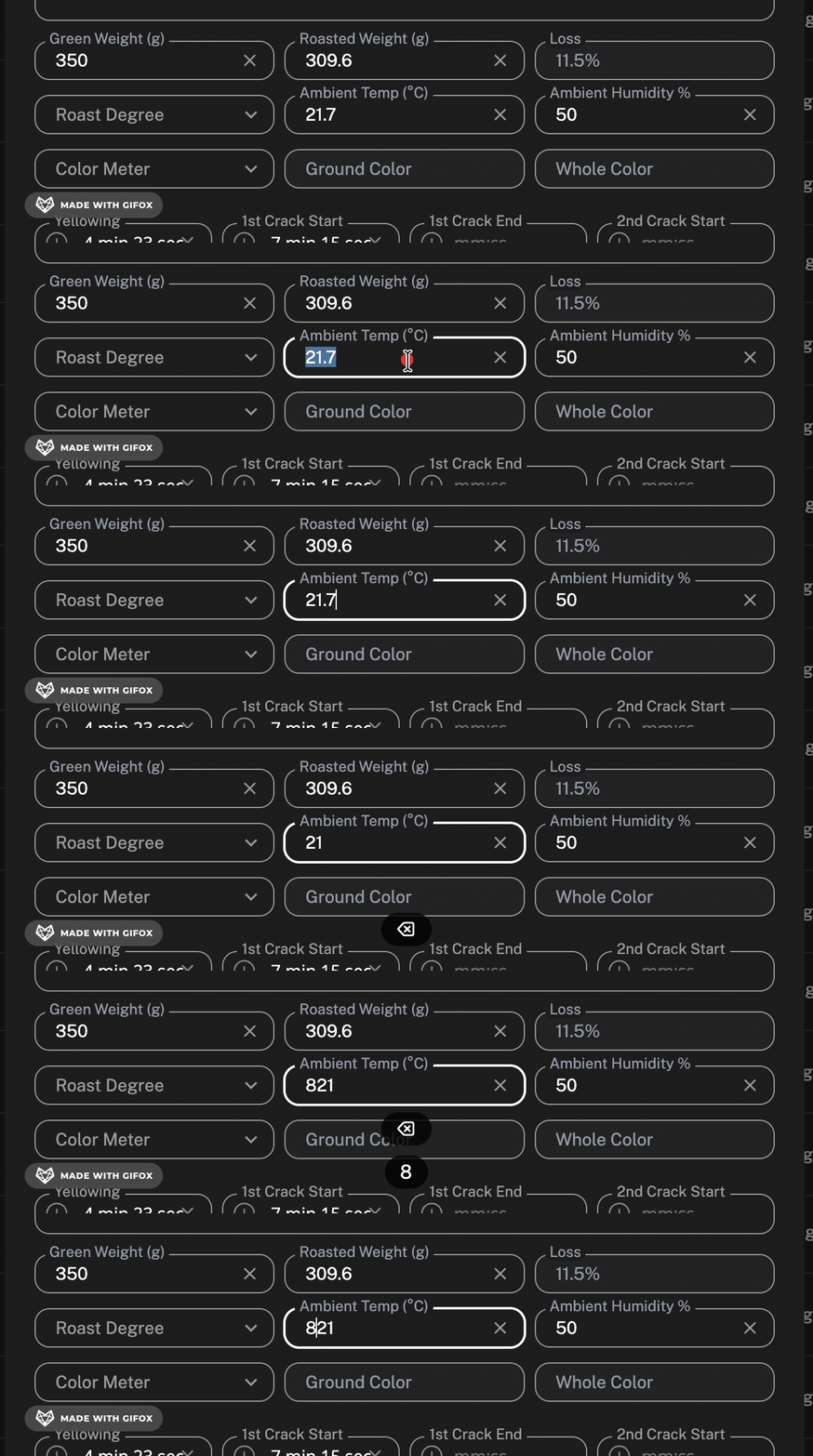
This seems to be an issue for all number inputs in all views (not just the specific one in the gif above).