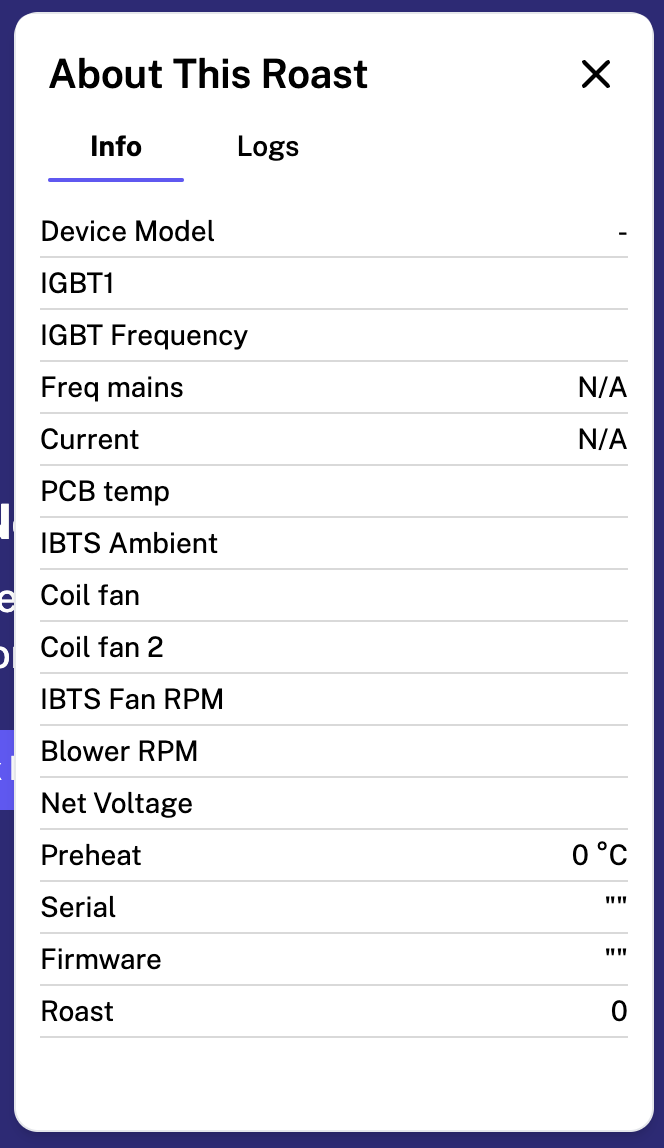
I have not been able to use my bullet R1V2 on P9 or even sometimes P8 past 2-2.5 minutes due to the IBTS temp overheating error.
I can’t locate the error number right now, but it is the one that triggers whenever the IGBT1 reading reaches 100.
I have not been able to use my bullet R1V2 on P9 or even sometimes P8 past 2-2.5 minutes due to the IBTS temp overheating error.
I can’t locate the error number right now, but it is the one that triggers whenever the IGBT1 reading reaches 100.
I had a similar issue getting error 0032. I added a USB 120mm computer fan to the bottom of the r1 where the induction pcb is and all my issues went away. When the garage is over 70F this issue happens. That air movement keeps everything nice and cool.
For most users, a simple fan on the electronics will work. For the IGBT sensor “100” means 100C, and it is a safety feature to shut down the machine when that temperature is detected. however, it is possible to have a faulty board that overheats too easily. but you’d have to reach out to customer service about that. hopefully it is just a matter of keeping the IGBT sensor cooled off with a fan. But if that doesn’t work, reach out to tech support. they have always been a great resource.
What do you mean you added it? How does it get is power, and where did you plug it in? Can you post a picture by chance?
I bought a 120mm fan with USB plug and a switch. Amazon.com: Easy Cloud USB Computer Fan, 120mm USB Fan with 3 Speeds Controller Small PC USB Fans for Cooling Cabinet Case Receiver Server DVR Greenhouse TV Router Xbox PlayStation : Electronics
I 3D printed a bracket to hold it to the bottom of the roaster and blow air through the PCB. If you don’t have access to a printer. Tape will hold it in place. You just need a little airflow.
This topic was automatically closed 90 days after the last reply. New replies are no longer allowed.