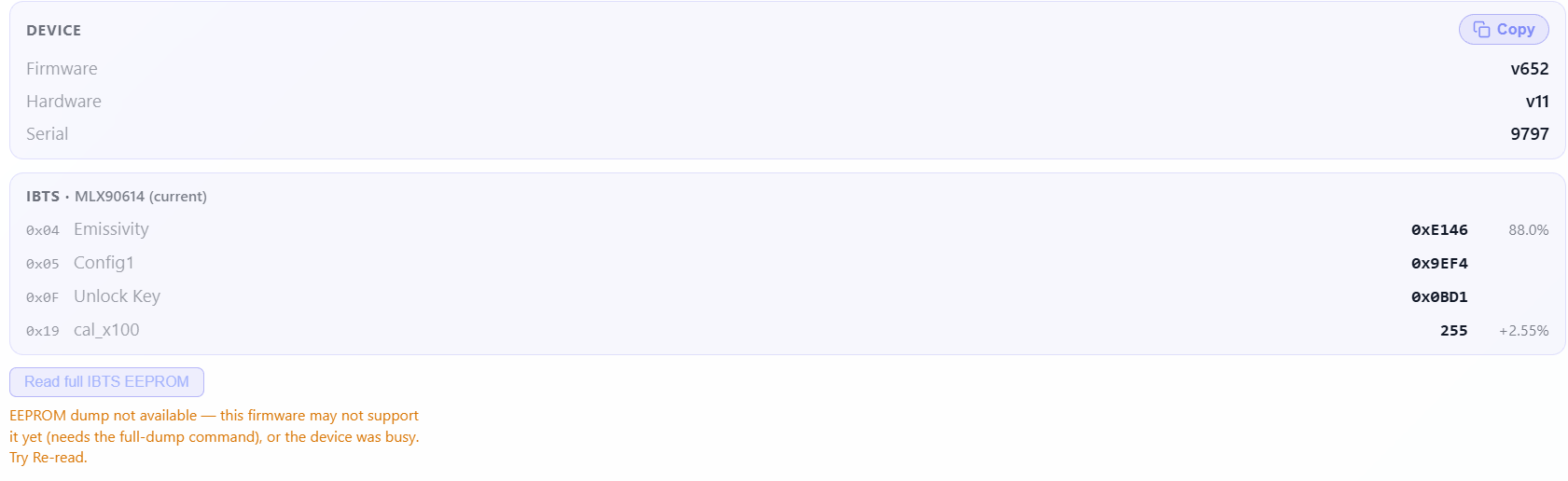
I did a test roast at your suggested settings after upgrading to v652 and got a very odd graph. Also get an error when trying full IBTS EEPROM.
Hi @bmartin1000
Thank you for testing. It seems that the firmware cannot detect this legacy IBTS correctly.
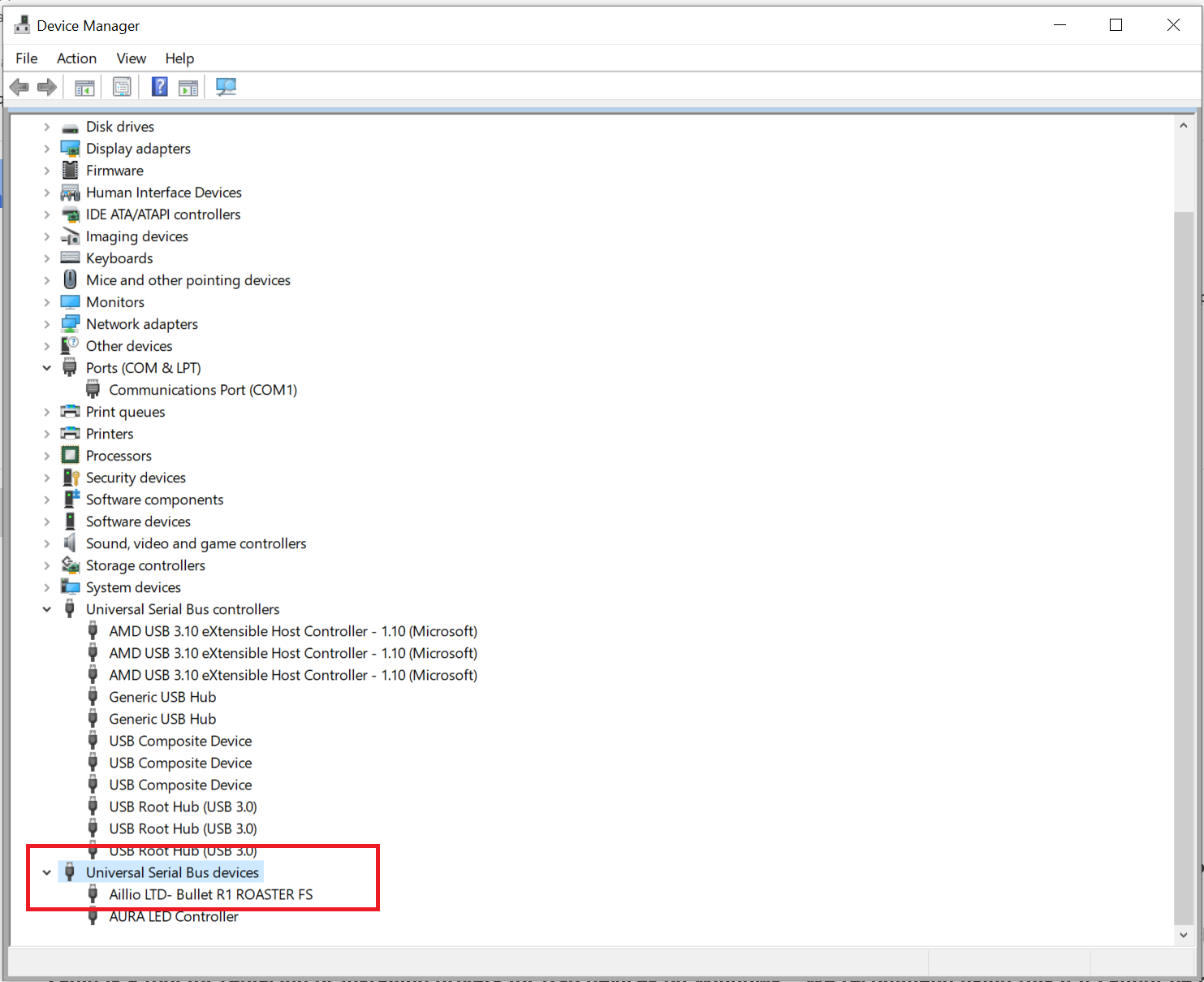
Could you please install the WinUSB driver and try reading the full IBTS EEPROM again?
Thank you.
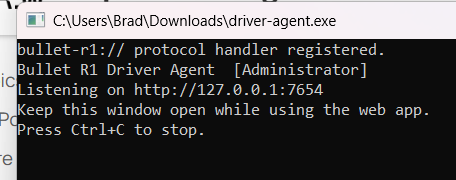
Appears to not be able to connect via USB with driver-agent.exe loaded. Using Windows11.
Hi @bmartin1000
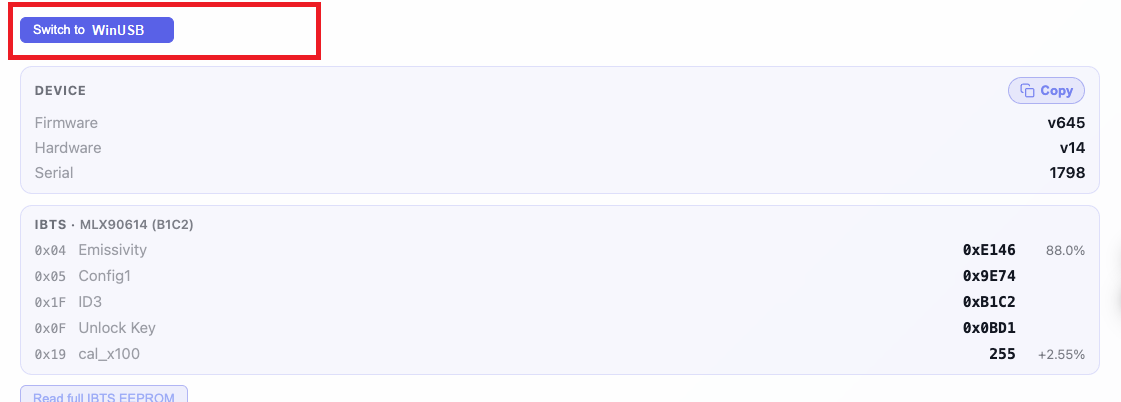
After running driver-agent.exe , please click Switch to WinUSB on the Web Updater page.
The device should then switch from the serial driver to the WinUSB driver. After that, please try reading the full IBTS EEPROM again.
Thank you.
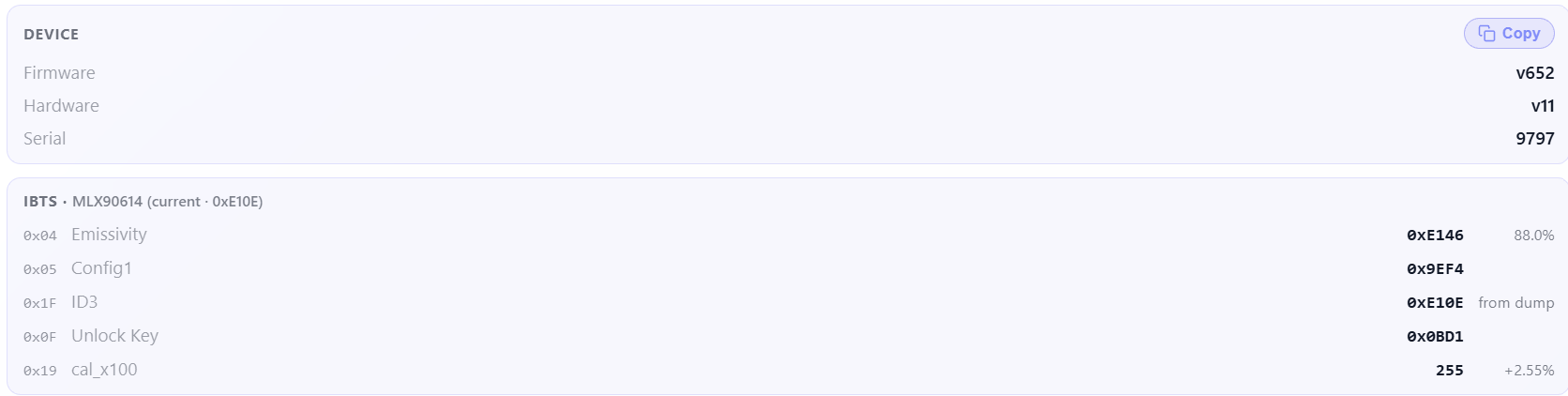
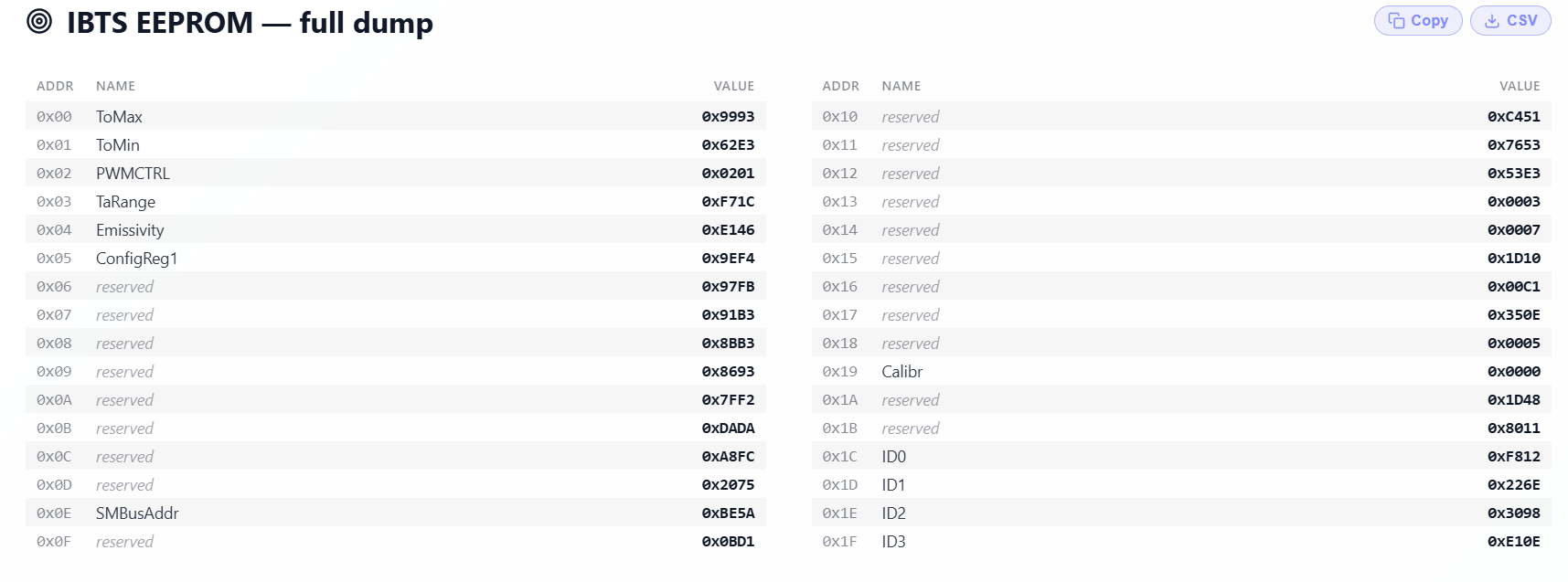
Hi @bmartin1000
Based on the IBTS information you shared, ID3 0xE10E appears to be a legacy IBTS version.
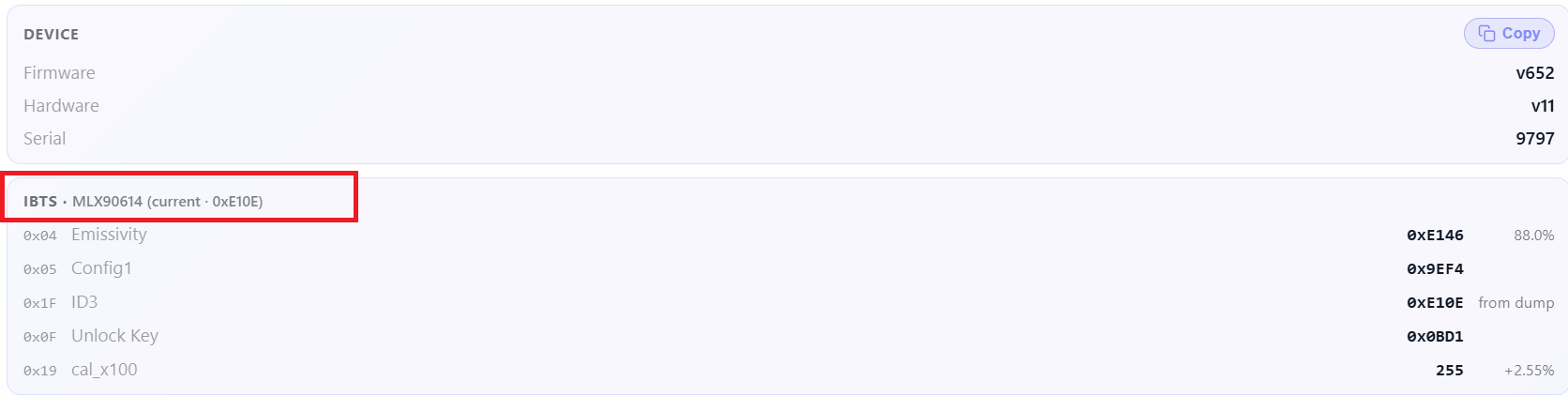
We will prepare a fix for this in the next firmware release.
Thank you for your support.
Hi @bmartin1000
You may try updating to the latest firmware version, v653. Hopefully, this will resolve the roast graph issue.
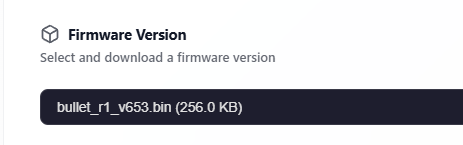
Please close the RoasTime program before connecting, as it uses the same port.
https://roastworld.github.io/bullet-r1-web-updater/
Thank you very much for your support and testing.
I applied v653 and that appears to have resolved the issue.
2 Likes
Is there a way to calibrate IBTS Temp & Bean Temp? If so, how do you do it? Please explain the steps to me.
Hi @jadingopi
For the Bullet R1, the IBTS calibration feature is not yet available, as it is still under testing.
We will provide the calibration instructions once the feature is ready for release.
Thank you!
I tried opening the web installer but am then asked for a password. What should I enter.
We have closed the web-updater for the R1 temporarily until we have a better fix for the IBTS issues. Only update if you have a connection or IBTS issue. In that case please send an email to [email protected]
Did a couple of roasts today. Same issue, first roast looks fine, then second one the charts seems to get out of sync on time and then stop updating. Still on FW 615, certainly I don’t nee to update FW to get charts working again?
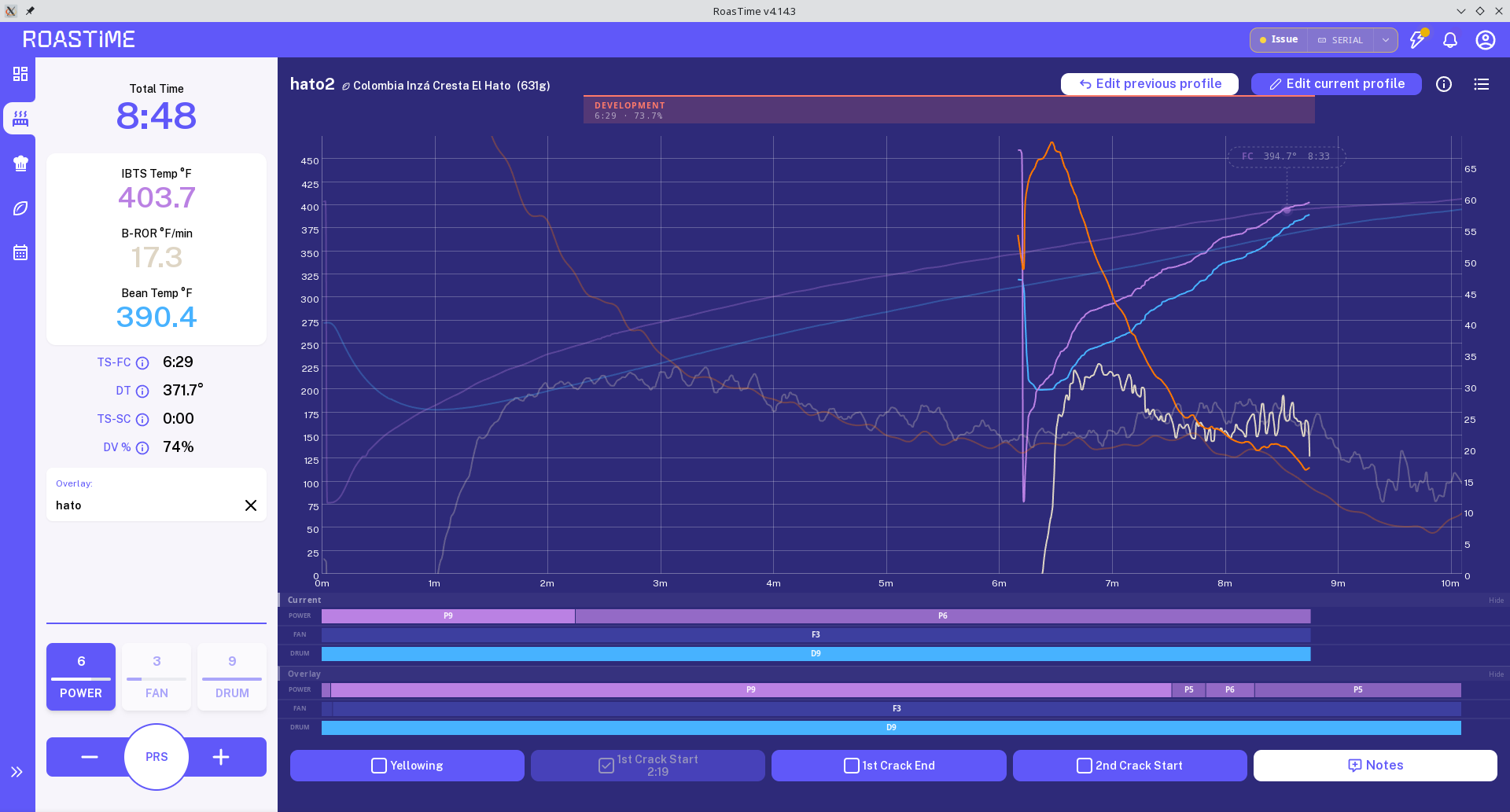
For the last roast I did, I used a different USB cable. Had no issues then but there were some software updates applied as well. Still on FW 615.
whats the password???
I’M locked out of my roaster until i can update to v645 or later on my r1 v2.
I have Err9998 updated to v645 and roaster bricked immediately.
I was having really bad issues with the v615 and v617 and neither would work with roastime well for the huge wholesale order i have to finish ASAP so I updated hoping it was less buggy and now I’m bricked out of using it completely and cant get the password from support as they’re not replying fast enough…
Please help with R1 Web Updater password ASAP
what is the password?
I am stuck on ERR9998 and need v645+ ASAP to finish a wholesale order as i currently just have a very expensive paperweight as a roaster because of these buggy updates …
Hi all,
For the Bullet firmware update, you will need to contact the Aillio Support Team to get the password required to access the web updater. They can also help check any issues with your Bullet.
Email: [email protected]
Aillio Technical Support
Thanks!
1 Like