Hey all, is there any way to change the font they just added to the lastest update in roastime?
Can you please show a screenshot of what you are seeing?
There was a bug in RT where it would revert to the Aillio font if other fonts could not be loaded. This should have been fixed by now.
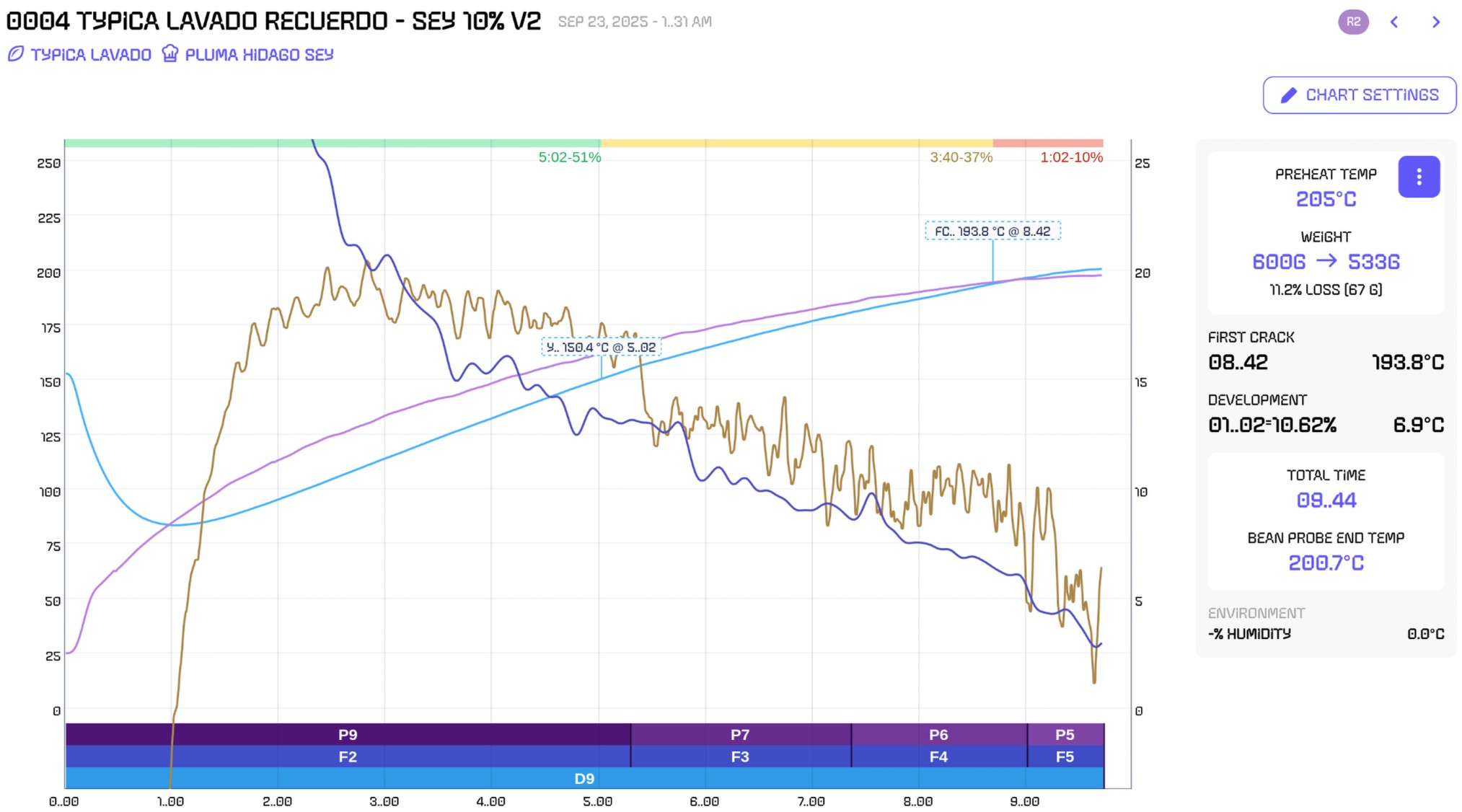
I pulled up someone’s roast on the web UI today and had to do a double take on the font in a few areas. The zero and G are unfortunately close to one another, but the big one that got me is the sideways colon. What is 1..31AM? This seems to be the aillio font.
I poked at the CSS and I can see Public Sans is actually at the top of the font-family list, but it’s not downloaded, and the second is aillio, which is downloaded.
Seems you have a font loading issue at least on the web viewer. I’d also suggest removing aillio font from that list of fallbacks entirely. Seems like it’s more intended for brand titling purposes, not any text body.
I agree, not a big fan of the new calculator looking font and started looking in this forum on how to change it. I am on Ubuntu 24.04. I have the latest v1.174.5 version of the client. I tried changing themes and resetting the theme and the calculator font remains.
I also tried exporting a theme and looking at the json but that only allows you to set colors.
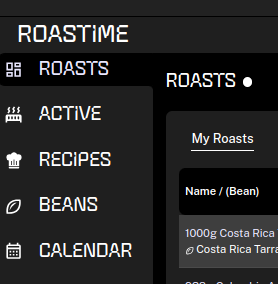
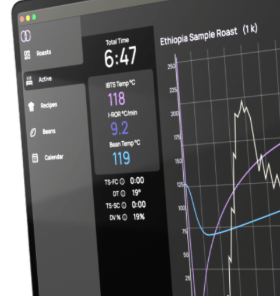
What I am expecting is what is shown on the roastime4.aillio.com home page
1 Like
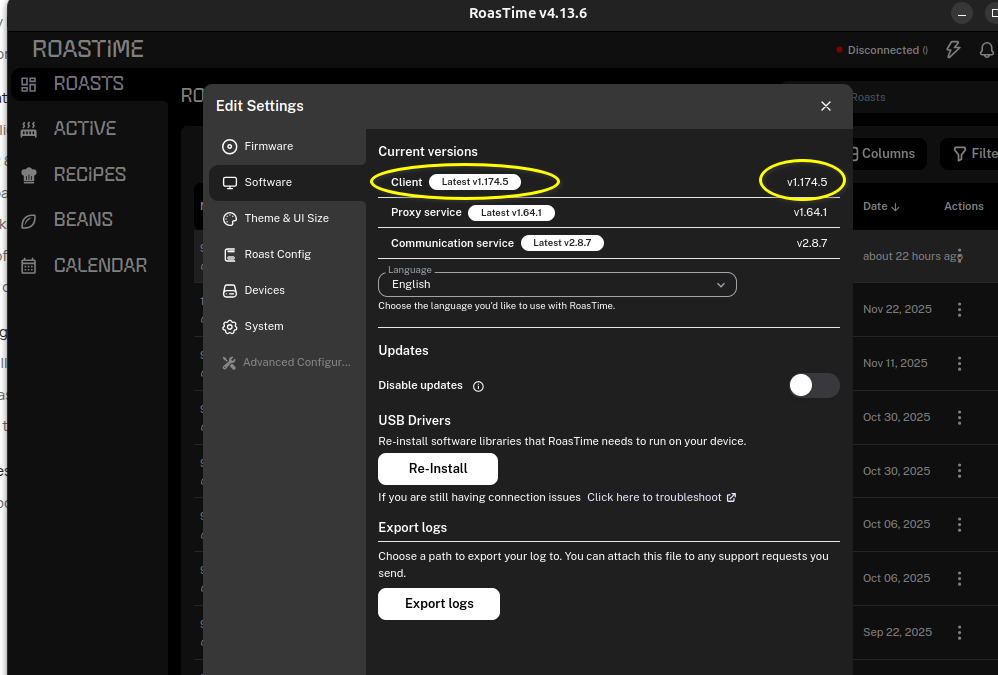
We should have fixed the fallback font in client version 1.174.5. Can you please check what version you are using?
@jacob As mentioned in my previous post, I am using client v1.174.5
Here is a screenshot. I am fine with “Roastime” header using that font if that is the branding that you guys are using now but the sidebar menu items that are used often is a bit harder to read.
My OS version:
| Description: | Ubuntu 24.04.3 LTS |
|---|---|
| Release: | 24.04 |
| Codename: | noble |
1 Like
My message was directed at @scoot as his side panel looked wrong.
We have not had time to update the renders on the download page, but we are working on this now so it reflects the actual design.
For now at least, you are not able to change the sidebar font, but for most of us we normally collapse it (clicking the little << icon at the bottom), then you get more real estate for the graphs etc.
@jacob Thanks for that. Understood. I would like to put in my vote that application menu items should use a more readable font or at least provide preferences to change that as I regularly use the sidebar to flip between beans, recipes, and active. Would appreciate any guidance if that is something the dev team would be able to implement in the future. Its not huge but enough that it might make me consider moving back to Artisan (which I have used for 5+ yrs prior to moving to Roastime) if its something that Aillio won’t consider giving the user choice. Thanks for the consideration!
1 Like
I would also appreciate a more readable font. I find the new font hard to read.
1 Like
That screenshot was from the roast.world website, not RoastTime.
It looks like it’s fixed there, the Public Sans font is pulled down now.
Thanks for quickly addressing that!
1 Like