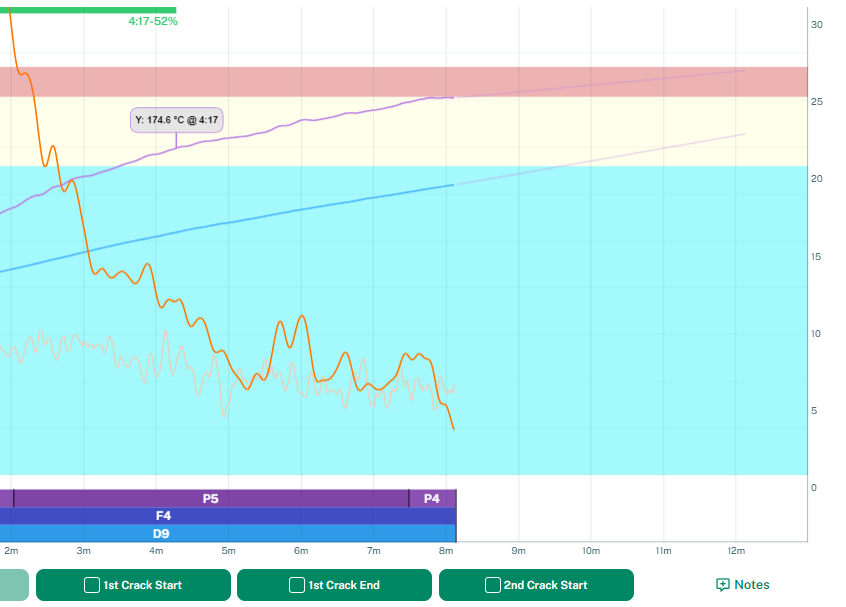
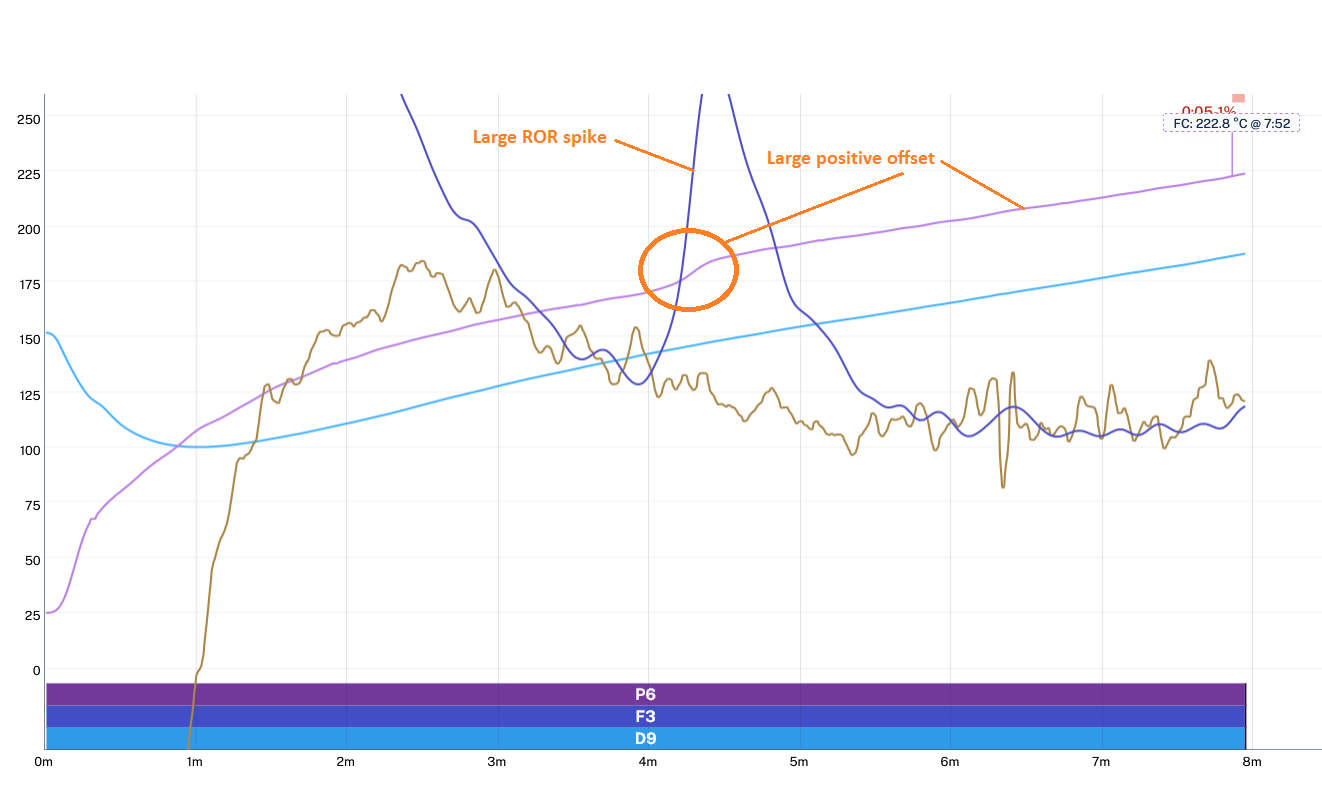
About 3 weeks ago we saw some strange behavior in the IBTS sensor data for the R2 and R2 Pro models. More specifically, the temperature seemed to take a sharp upward turn after 165°C and then stay higher than it should have. Consequently, the FC temperature and end temperature were off by up to ~15°C, and since preheating is most likely above 165°C it also affects your preheating temperature.
After weeks of investigation, internal testing, and supplier and distributor involvement, we have now honed in on the root cause: a recent batch of IR sensors exhibited this strange behavior because of different internal factory parameters than what we had received previously. Each little sensor contains a memory which configures the emissivity and digital filter functions, all of which have to be set correctly. Our firmware did not correct for these new memory changes that the manufacturer had made (without telling us), and this causes the said offset for temperatures above 165°C.
A new firmware is currently being tested which corrects the IR sensor memory.
We cannot say exactly how many Bullets are affected, and the only way to identify it is by looking at the roast profile. It should be very obvious from the IBTS curve shown below what this problem looks like. This problem might also affect R1 users if you have recently installed a new IBTS sensor.
If you believe you are roasting on an affected Bullet, please look out for a new firmware update, which will arrive Wednesday 11th Feb 2026.
Once you have updated, you will need to correct any recipes you might have made. Triggers above 165°C need to be changed as well as your preheating temperature, which needs to be adjusted 10-15°C higher.
Moving forward, this issue has been a good opportunity to review how we perform our testing and QC. Every Bullet goes through numerous tests and a final heat-up cycle. This lesson will only strengthen our focus on QC, and we have already invested in more testing jigs, specialized software, and new SOPs to hopefully catch these problems before any Bullet is shipped out in the future.
We do apologize for this problem and appreciate all the help we have received from our community and testers.