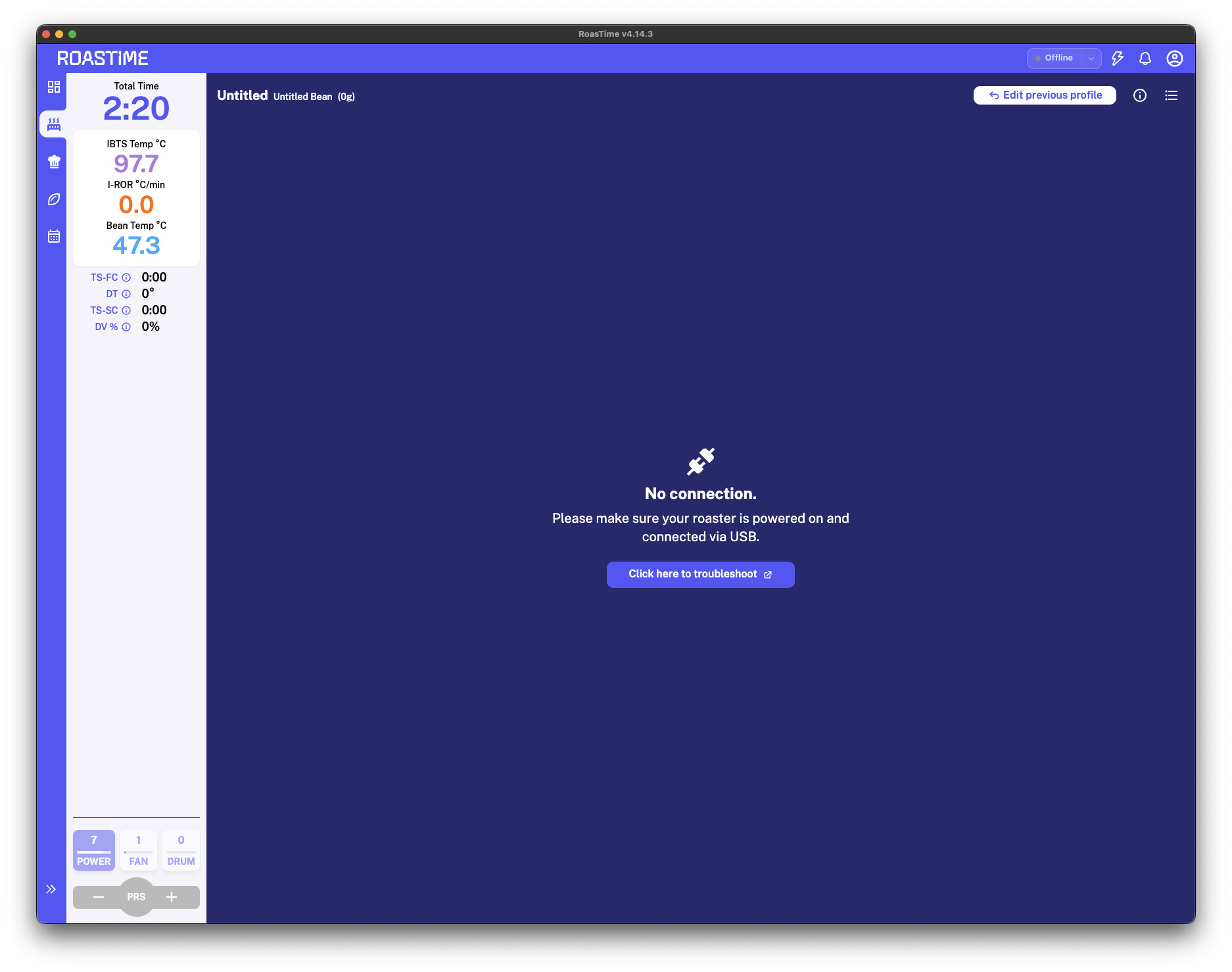
Hi, I frequently run into this issue, and what frustrates me the most is when it happens while a roast is in progress
and I have to restart the app just to monitor the roasting process again; I’ve tried swapping cables, but that didn’t solve it.
Has anyone else experienced this? Did you find a solution?
Hopefully, the Aillio team has a fix for this.
I’m using a Mac Mini M4 with a USB Type-A to Type-C adapter.
If you are using a Bullet R1, you may try updating to the latest firmware version using the link below:
Bullet R1 Web Updater Please make sure to close RoasTime before connecting, as RoasTime uses the same USB port.
You will need to contact the Aillio Support Team to get the password required to access the web updater. They can also help check the issue, as it might be related to the hardware or USB port.
I’m having the same on-going issue. The SW team has been helpful but I’m still having issues. I run on a windows machine. Very frustrating. It started when I upgraded to V4.14.3.
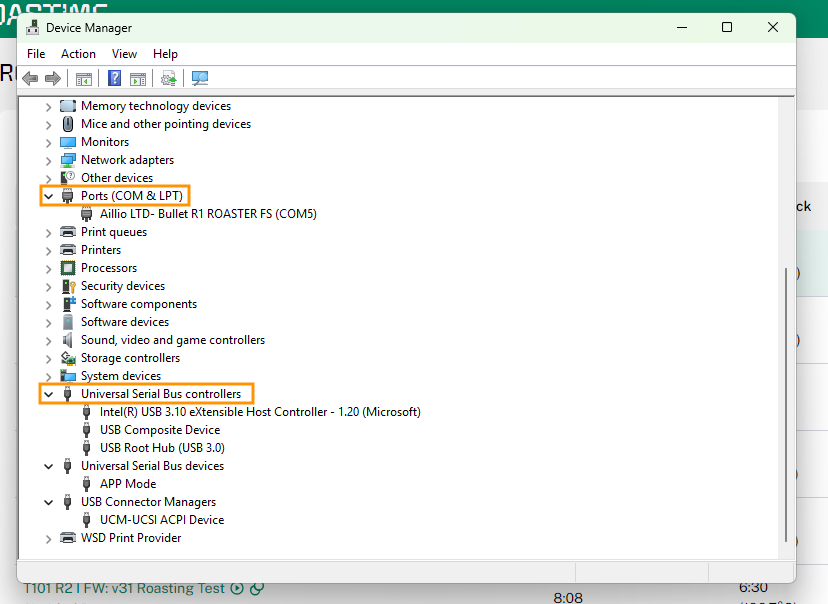
Hi @retsofekaj6pa9 . Could you please open Device Manager and check if the Aillio Bullet Roaster appears under Ports (COM & LPT) or Universal Serial Bus controllers?
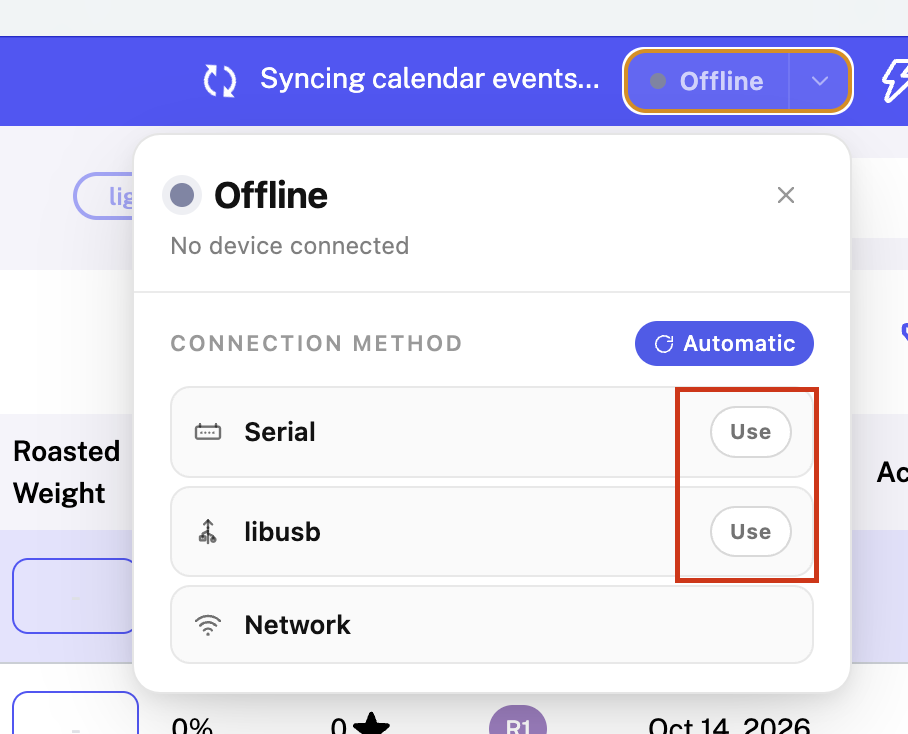
If it’s under Ports: In RoasTime, open the status dropdown, click Use next to Serial, and restart RoasTime.
If it’s under Universal Serial Bus controllers: Click Use next to libusb in the RoasTime status dropdown, then restart RoasTime.
I have the same problem using Linux. The Bullit is shown when i list usb ports, but won’t connect. Also, Roastime shows updates ready, but doesn’t update. Aillio support is engaged, but hasn’t given me a workable solution yet, So far I’ve had to do far more manual roasts that using Roastime. I am about ready to put the Bullit up for sale and buy a Kaleido.
Could you please try these steps to resolve the connection issue between your Bullet and RoasTime?
Step 1: remove the old drivers
Connect the Bullet to the Windows PC with the USB cable and power it up.
Open Device Manager (type “Device Manager” in the Windows search bar), and choose View > Show hidden devices.
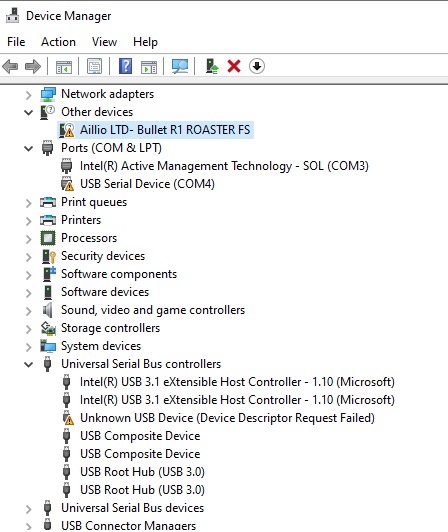
Look under “Universal Serial Bus devices”, “Universal Serial Bus controllers”, “Ports (COM & LPT)” and “Other devices” for every entry named “Aillio” or “Unknown USB Device”, including the greyed-out ones. There may be several.
For each one, right-click it, choose Uninstall device, tick “Delete the driver software for this device” if the option is there, and confirm.
Unplug the USB cable and the power cable from the Bullet, wait about 30 seconds, then plug both back in and power it up.