I have found some references to this problem buried in other threads (see posts by esaym here), but I don’t think there is a dedicated thread for it.
I have a Bullet R1 V2. After upgrading to 4.14.3 and FW 617, using Linux (Ubuntu 22.04), I started having the following problem:
Preheat plots look fine
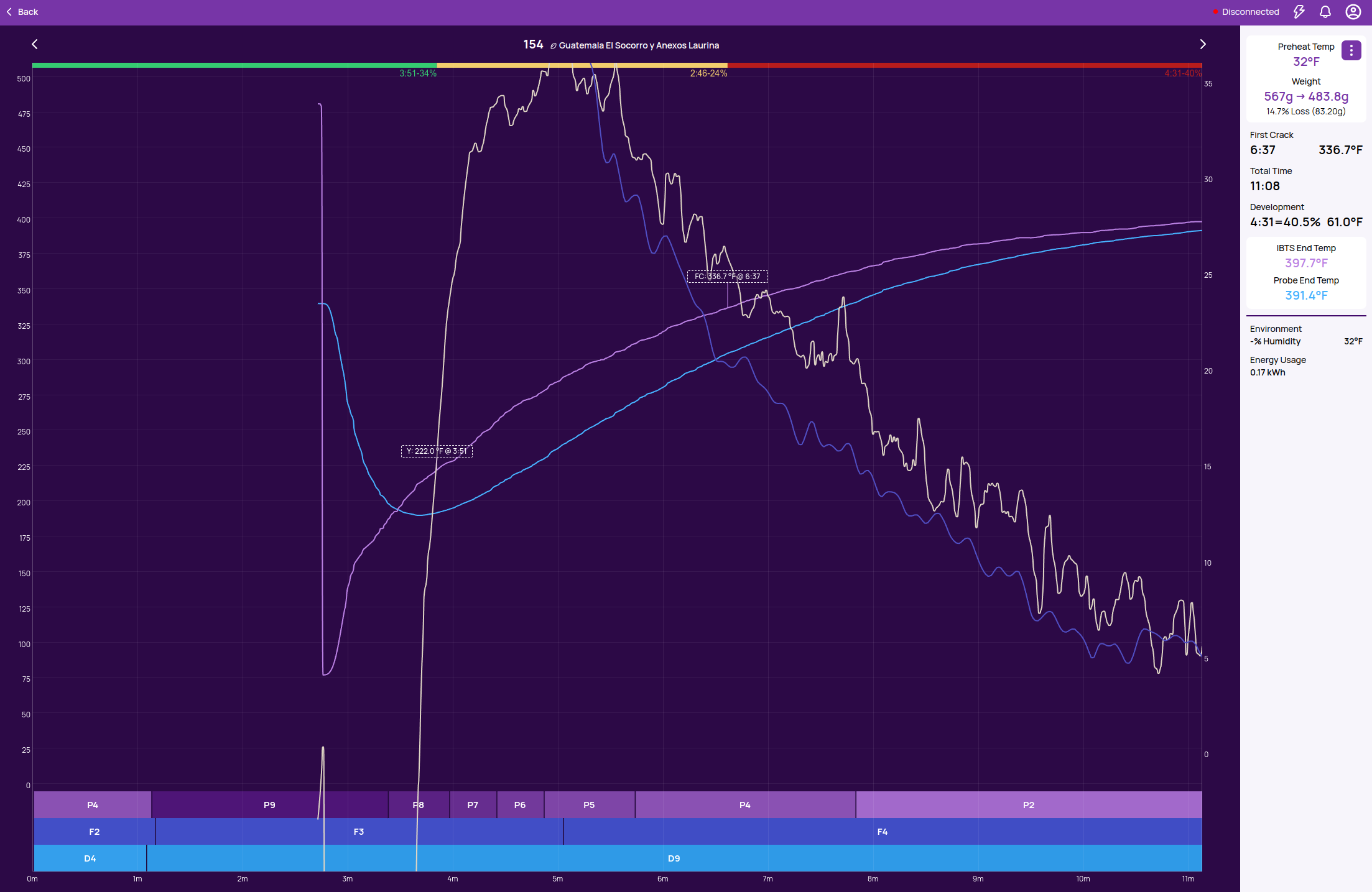
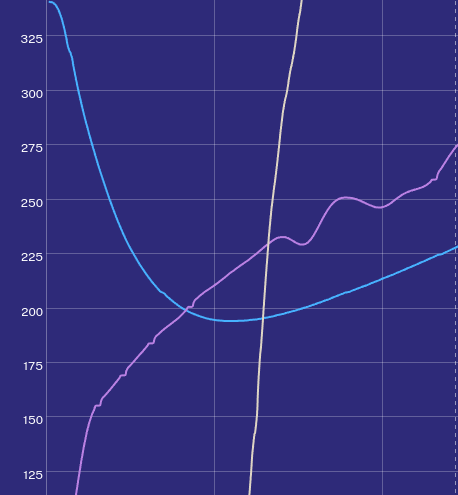
Roasting plots start out looking normal, but after a few 10s of seconds the plot starts to extend to the left–blank space fills in the timeline before the curves start, pushing the curve timestamps to the right
The curve continues to plot to the right and the axes extend to both the left and right
Event timestamps are recorded at incorrect values, or at incorrect times rather, giving the impression that they happened at temperatures from an earlier time
I spent a long time trying to look into this via google/gemini and went down a rabbit hole about how Roastime changed the way it handles packets and Ubuntu for some reason drops a lot of them etc etc. I tried a number of fixes on the Ubuntu end, changing udev rules and a few other suggestions, but nothing helped. I was only able to fix the problem by downgrading to FW 615 and Roastime 4.13.6 and not allowing any updates. There was some suggestion to upgrade the FW to a beta branch, but I believe this is a one way street and I cannot ever downgrade after this so I am reluctant to go there.
Is this a known problem with a fix in the works? I can stay on the old software for now but this has made me wary of upgrading, especially if I end up upgrading the firmware and it cannot be undone.
I saw that your last two roasts went fine. Do you still have the issue? Next time you roast your comms software will be updated to version v3.22.1
Let us know if this fixes the issue.
Ok got a chance to try a roast with the updated comms.
When I started up, the connection automatically sets to serial–connected.
When I start preheating, the software never moves to the plotting screen, it is stuck on the preheat dropdown.
However now I can select libusb from the connection drop down. When I do this the plotting starts working and the roast completes normally without the wandering timeline issue. Is “serial” even supposed to work on Linux? Previously I think it was all over libusb, I remember having to set permissions when I first got the roaster.
I do notice some jumps in the IBTS curve when roasting with the libusb connection, which might imply there is some packet droppage, but it is being handled much better
Let me know if you have any thoughts, but at least it is functional now.
Thank you!
Yes, serial is supposed to work (and has been our path forward for other reasons) - but in practice has been flaky on some Linux distros and variations of MacOS. I have discovered multiple issues on Linux with the serialports (e.g. other daemons sending commands and interfering). I have added the optionality to switch between libusb and serial recently (which you noticed) to unblock anyone with issues.
@mcaillio Just ran a roast on the newest SW and I can confirm that the issue is resolved, at least if using libusb. When I first restarted RoasTime it was in serial mode (which still does not work for me), but I just switched it to libusb and everything worked fine. Thank you!